
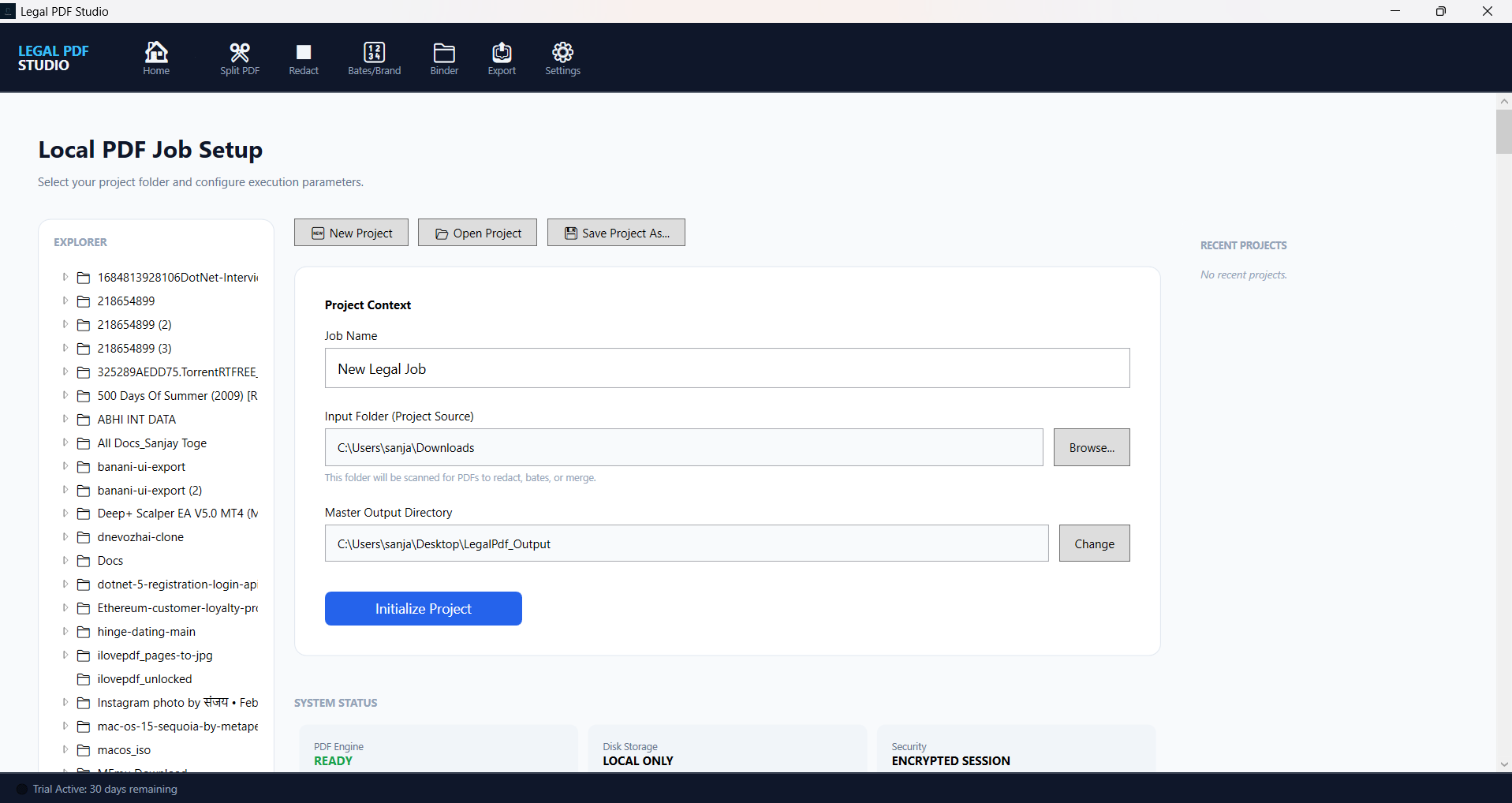
Version 2 Beta — available now for preview and feedback.

Legal PDF Studio v2 Beta

Explore the next generation of legal document processing with advanced AI-assisted splitting, redaction automation, binder assembly, and secure export workflows built for litigation support.

Legal PDF Studio v2 Beta

AI-Powered Legal PDF Processing

Legal PDF Studio v2 Beta includes two built-in AI workflows that keep processing local while reducing manual review time and improving consistency.

AI-Based Redaction

Automatically detect sensitive terms and suggest redactions so you can review and apply them faster with greater accuracy.

AI-Based Split

Use local LLama model analysis to identify logical document boundaries and split long PDFs by meaningful sections instead of just page counts.

Core Beta Capabilities

Legal PDF Studio v2 continues the secure, local-first workflow while adding stronger AI, project controls, and export automation for law firms and litigation support teams.

Project Management

  • Create, open, and save project workspaces with custom job names.
  • Assign input source folders and output directories for each project.
  • Resume work quickly from recently opened projects.
  • Protect unsaved changes with intelligent state tracking.

PDF Splitting

  • Split documents by page range, fixed interval, or logical breakpoints.
  • AI-based split uses local LLama models to detect document boundaries automatically.
  • Preview files inside the built-in file explorer before processing.
  • Batch split many PDFs in one operation.

PDF Redaction

  • Draw manual redaction rectangles directly on PDF previews.
  • AI-based redaction identifies sensitive terms and suggests redaction targets.
  • Save custom redaction presets with color, label, and category.
  • Track and edit redaction reasons per page with visual feedback.

Bates Numbering & Branding

  • Apply sequential Bates numbers across documents and exhibits.
  • Customize numbering format, position, font, and opacity.
  • Brand document sets with firm identifiers and headers/footers.
  • Process multiple files in batch with consistent numbering.

Binder Building

  • Combine multiple PDFs into a single exhibit binder.
  • Add custom headers, footers, document IDs, and order controls.
  • Build professional submission-ready binders for court and discovery.

Export & Delivery

  • Export processed PDFs to local directories reliably.
  • Send secure files via SFTP to remote servers.
  • Track export status with error handling and logs.
  • Generate compliance-ready redaction logs in CSV or text format.

AI Integration

  • Run local LLama models for document analysis without the cloud.
  • Configure custom AI goals for terms, boundaries, and redaction targets.
  • Manage models, downloads, and offline inference settings.

Settings & Configuration

  • Set up AI models and SFTP servers from one central console.
  • Manage license activation, trial status, and application preferences.
  • Secure the app and keep your legal workflows offline.